

Bank Anywhere, Anytime
Manage your money securely from almost anywhere with Mid Penn Bank’s personal online banking platform and mobile banking app. Check balances, transfer money, pay bills, manage cards, view statements, and get help when you need it.
Set Up Personal Online Banking
Review the features available through personal online and mobile banking.
Frequently Asked Questions & Video Tutorials
Find answers and step-by-step resources.

Check My Accounts
See balances, recent transactions, and account details in one place. Search your activity, view account documents, and set up helpful alerts. In the mobile app, use biometric sign-in and Fast Balance for quicker access.

Pay Bills and Move Money
Transfer money between eligible Mid Penn Bank accounts or linked accounts at other financial institutions. Schedule one-time or recurring transfers, deposit checks with the mobile banking app, pay bills, manage eBills, and send money with Zelle® to people you know and trust.
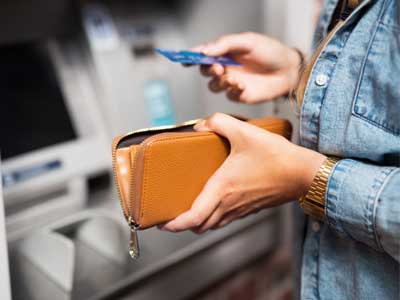
Manage My Cards
Turn eligible debit and credit cards on or off, set card controls and real-time alerts, add travel plans, and review card activity. You can also report a card as lost or stolen and request a replacement.

View Statements and Documents
View available electronic statements, notices, account documents, and tax forms. Enroll in electronic statements and choose how you receive them for eligible accounts.

Get Help
Get help if your card is lost or stolen, you can’t sign in, or you notice activity you don’t recognize. Send a secure message through personal online banking or the mobile banking app, connect with a Telebanker, or call us during service hours.
Available features may vary by account, card, device, and enrollment status.